
SuperNeura Blog
Guides on the SuperNeura MT4 Trading System: entry, stop, exit, alerts, and how Buy/Sell arrows behave after the bar closes. You place the trades yourself.
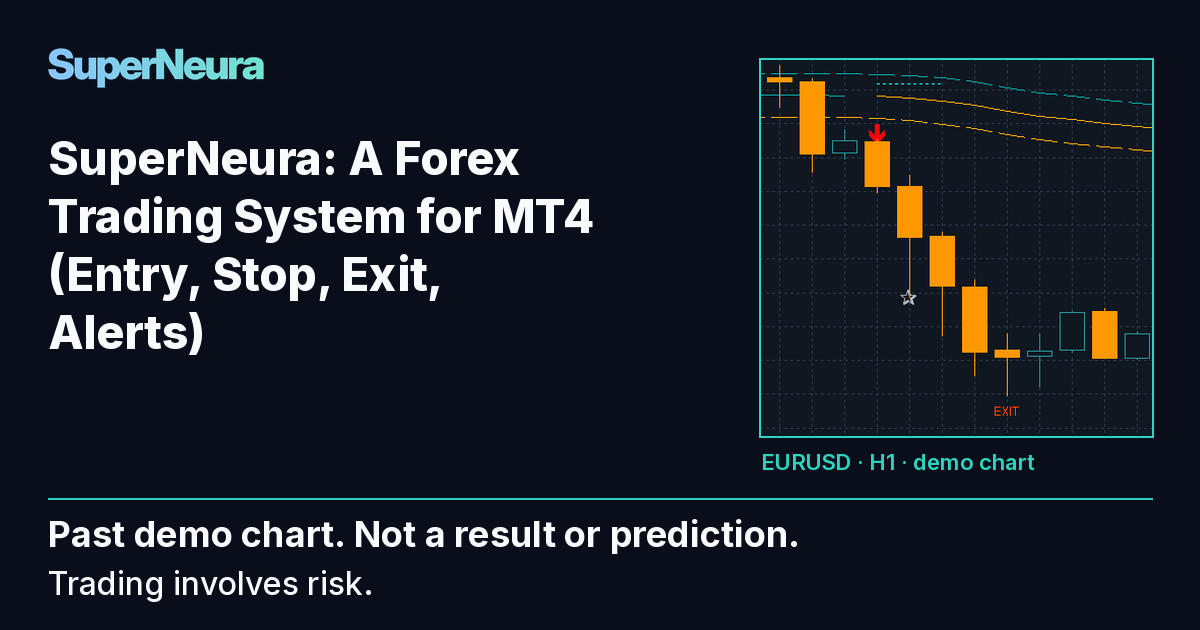
SuperNeura: Forex Trading System for MT4 | Entry, Stop, Exit
Updated November 21, 2026
A forex trading system needs rules for entry, stop, exit and alerts. This guide walks through how SuperNeura covers all four on one MT4 chart. You place every trade.
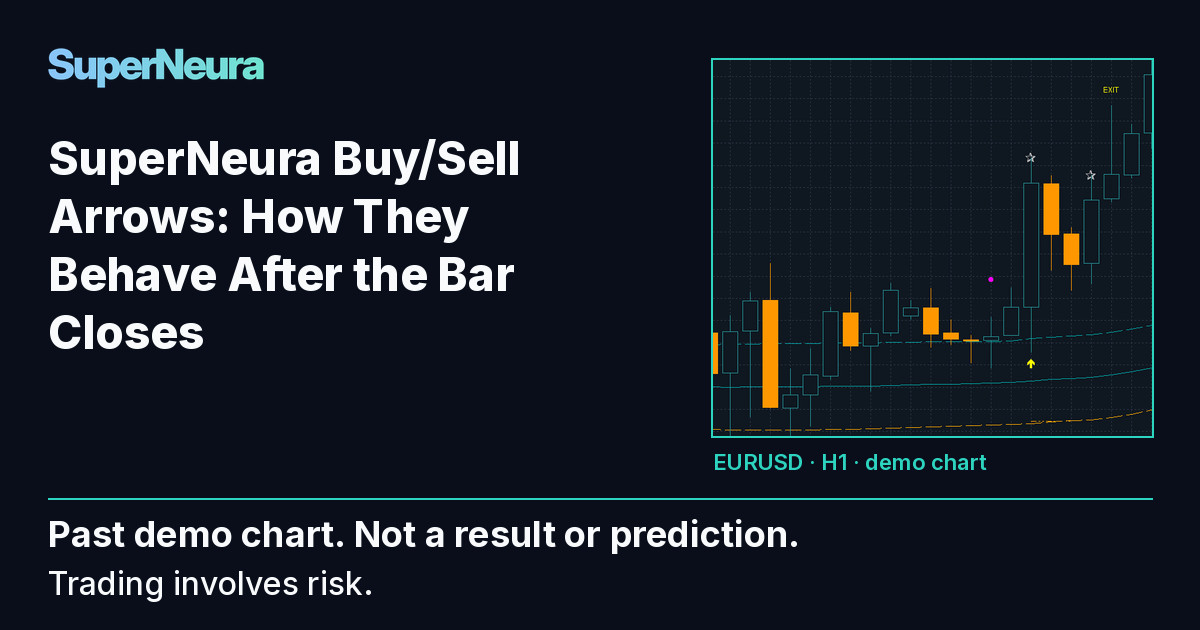
SuperNeura Buy/Sell Arrows: How They Behave After the Bar Closes
Updated November 21, 2026
What SuperNeura's closed-bar rule covers, what it does not, and how to check the Buy/Sell arrows on your own chart.
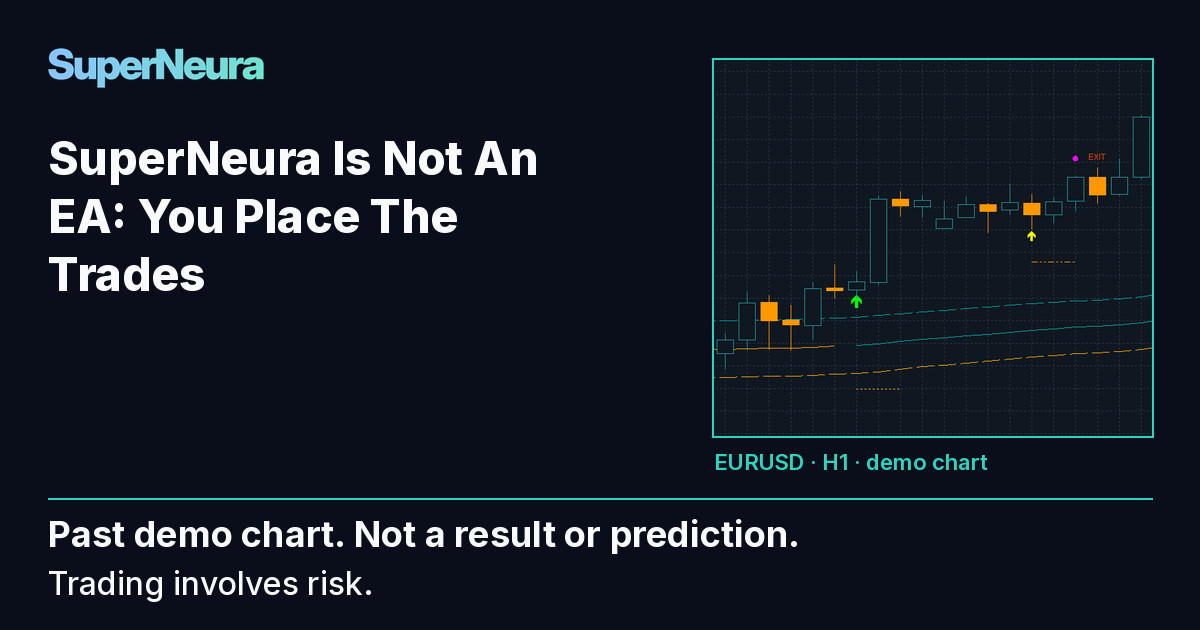
Is SuperNeura an EA? No. You Place the Trades | MT4 Guide
Updated November 23, 2026
How SuperNeura differs from an Expert Advisor: it marks your MT4 chart and can pop up the alerts you switch on, but it never opens, changes or closes an order. You place every trade.
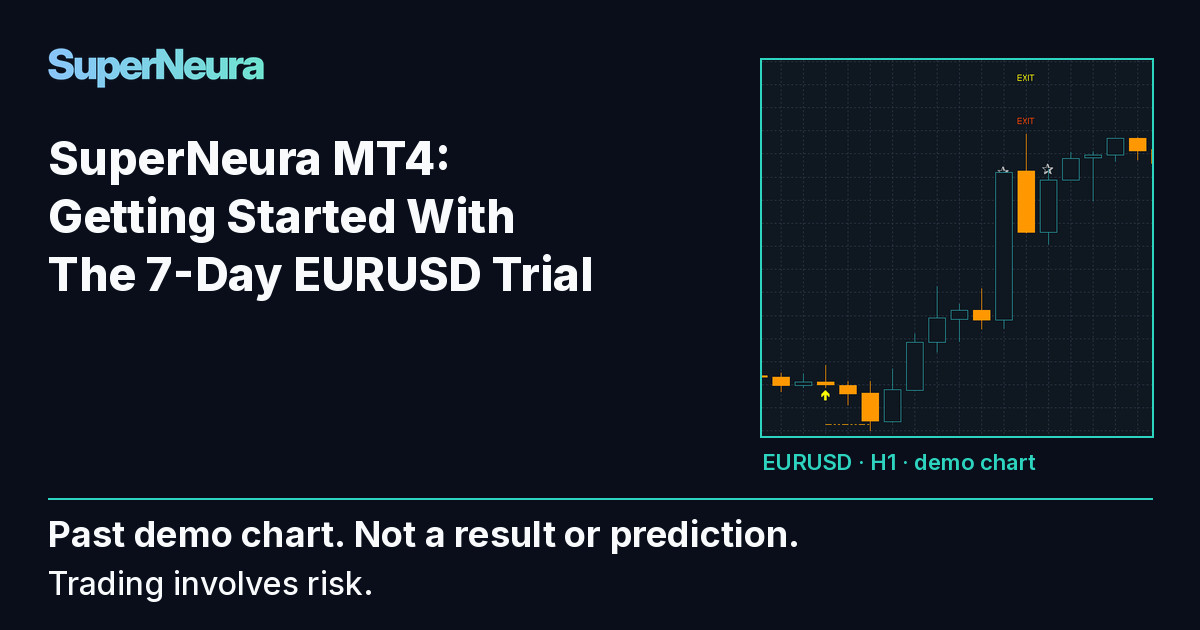
SuperNeura Free Trial: 7 Days on EURUSD, No Card | MT4 Guide
Updated November 23, 2026
What the 7-day EURUSD trial includes, when it ends (23:59 on your broker's MT4 server clock on day 7), and a simple plan for the week on demo. No card.
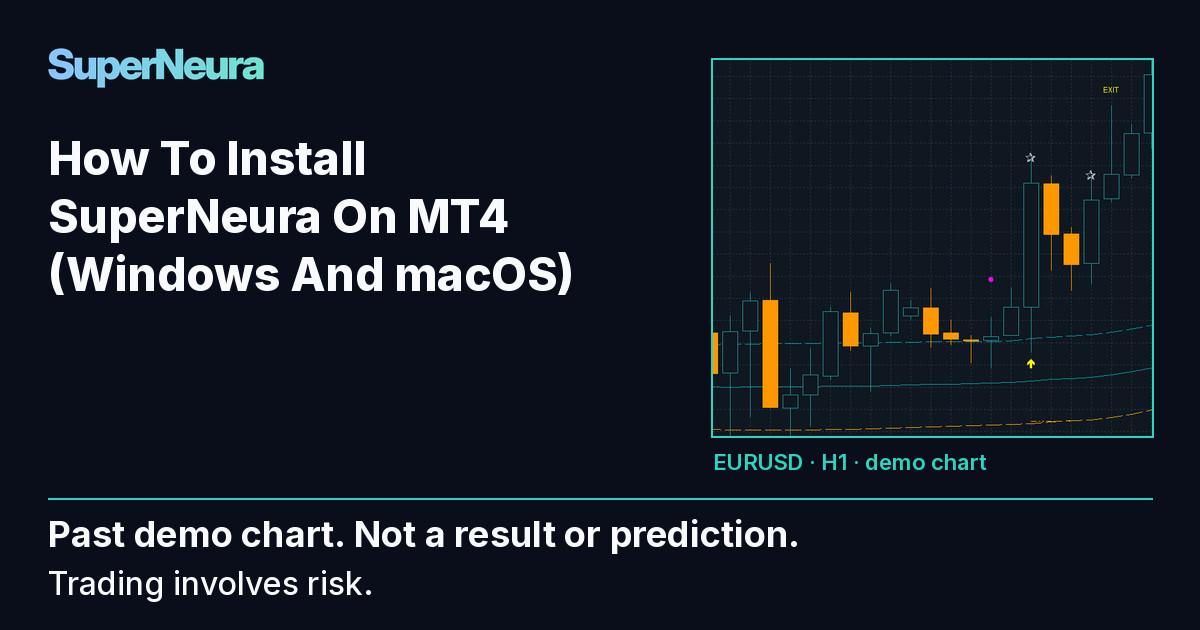
How to Install SuperNeura on MT4 (Windows and macOS)
Updated November 23, 2026
Install SuperNeura on MT4 for Windows or macOS: the Data Folder, where each file goes, Starter or Full, and four checks if nothing shows on your chart.


